Watch the overview video or keep reading the full article below
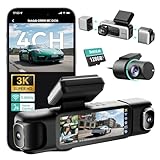
The Botslab G980H is built to close that gap. It’s a true four-channel system with dedicated, modular side-mounted “wing” cameras, and it’s easily one of the more interesting pieces of recording hardware I’ve put in my car recently. It’s also big, heavy, and a little awkward to install. I ran it through my usual testing daytime, night, mountain drives, and my standard license-plate readability test to see whether the all-around coverage actually holds up in practice.
Unboxing and Build Quality
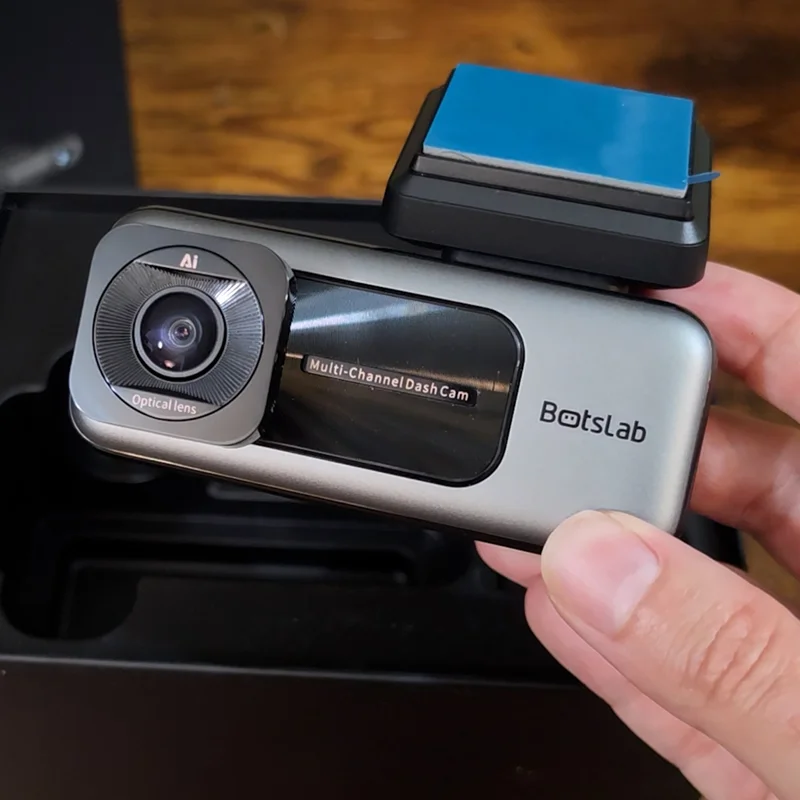
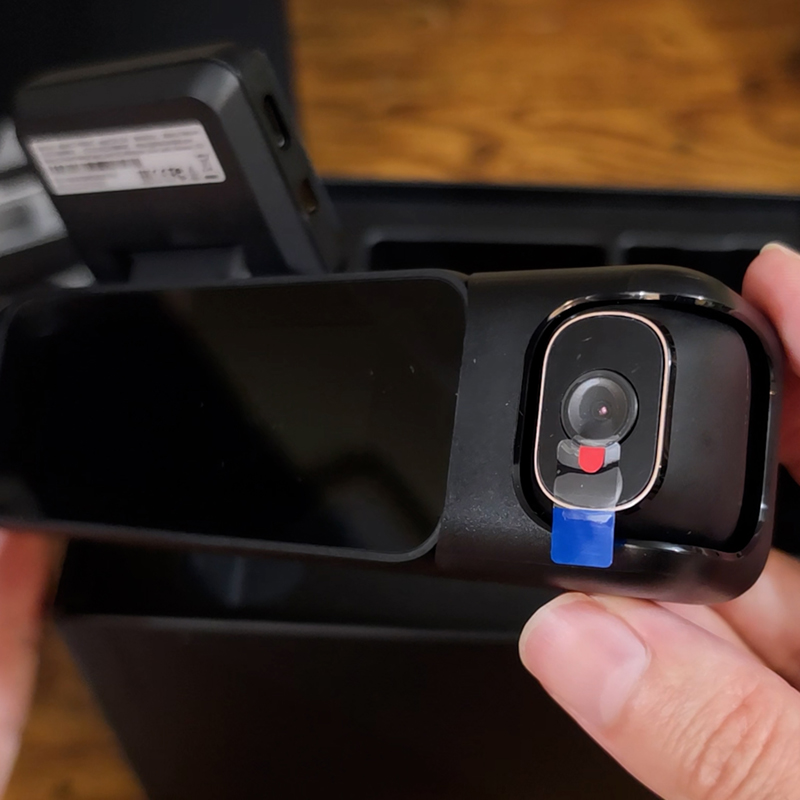
Botslab layered the box nicely. Up top is a standard accessory pack: static-cling stickers, spare mounting pads, a microfiber cloth, and the usual documentation. Sitting on the main camera is a Botslab-branded 128GB microSD card — a nice touch, since most dash cams ship with nothing. That said, with four channels writing data at once, you’ll fill it quickly, and you’ll want to move up to the camera’s 512GB maximum before long.
Handling the main unit, the build quality feels solid — no misaligned panels, no cheap plastic creak, no gaps. The front-facing lens uses an F1.8 aperture with 6-layer optics, and it pivots in all four directions, so dialing in your framing is easy.
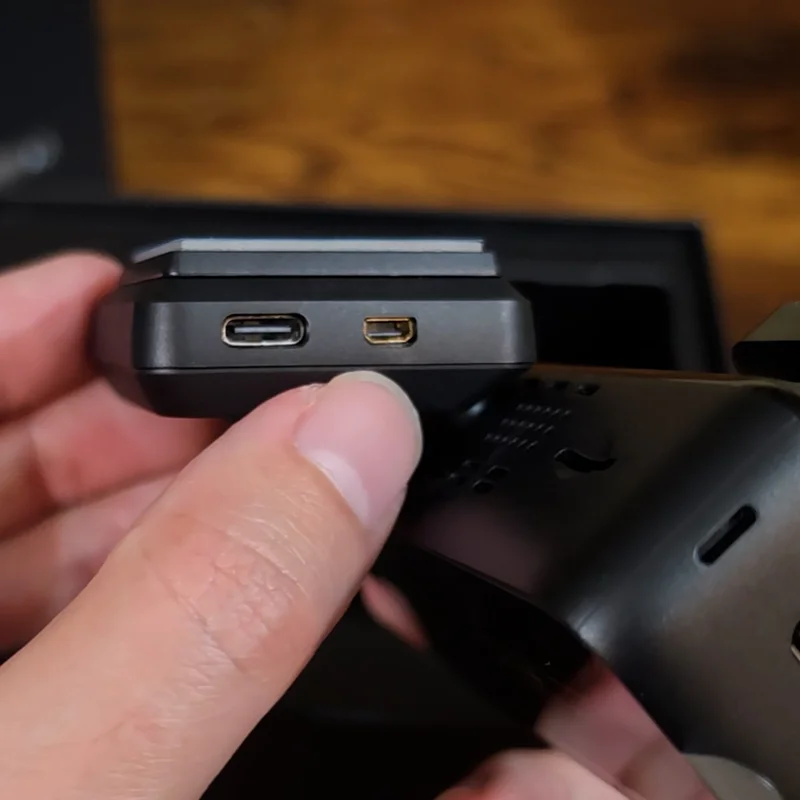
The port layout is straightforward:
There’s one odd exception. The input for the rear camera isn’t a standard USB-C like the rest of the chassis — Botslab uses a proprietary connector here. It’s an annoying choice that limits repairability and, as I’ll get into later, means you can’t ever upgrade the rear camera down the line.
The Magnetic Wing Cameras
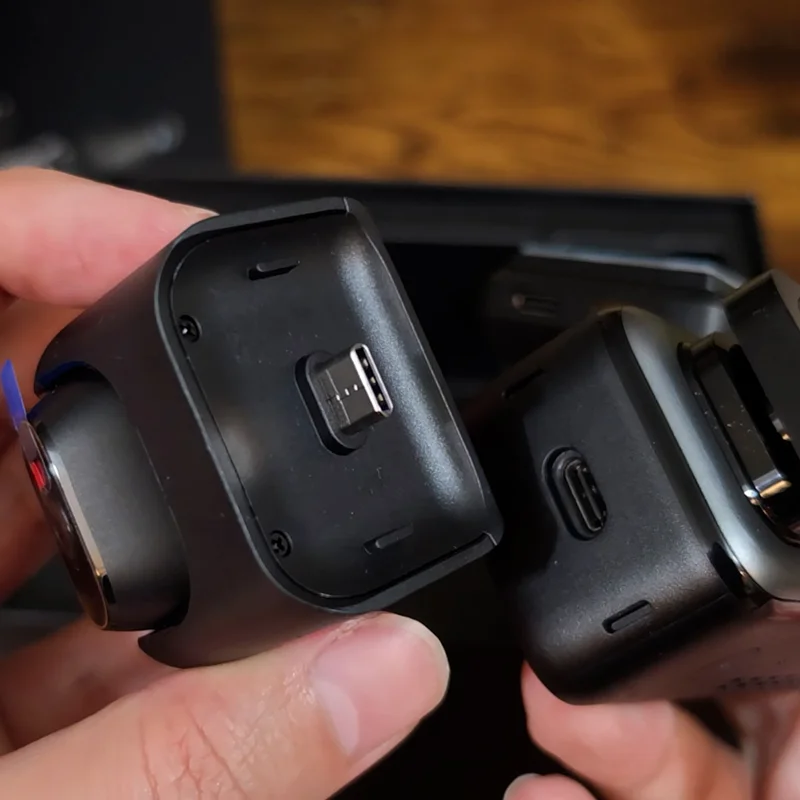
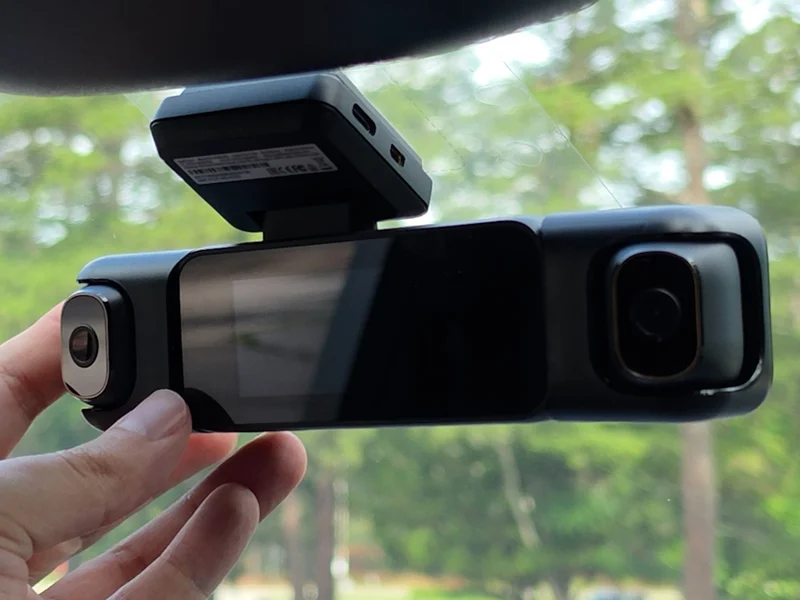
The wing cameras are the whole reason this thing exists, and they’re clever. They connect over USB-C, but Botslab also built a magnetic alignment system into the housings. The magnets are keyed try to snap one on backwards and it will physically resist you.
That magnetic approach is smart because it takes the mechanical load off the USB-C connector itself. Once a wing camera clicks into place, it stays seated. (I’ll be running them over some rough potholes over the next few weeks to see whether they hold their position long-term.) Each lens rotates independently inside its housing, so you can aim one inward toward the cabin and one outward to catch vehicles approaching from the side. The internal rotation resistance could stand to be a touch tighter to fully guarantee zero drift, but the overall fit and finish is remarkably clean.
The rear camera, tucked into the bottom of the box, is a far more ordinary affair. And the power plug is a 12V adapter with an integrated cable and a single USB-A port on top for accessories. I’m not a fan of the integrated cable — and I suspect this 12V design will start to age poorly, since a lot of newer cars have dropped the front 12V outlet entirely and relegated it to the cargo area.
The Real Spec Breakdown (No Marketing Fluff)
Let’s cut through the standard marketing and look at what the hardware is actually delivering.
Funny enough, even figuring out which sensor is in this thing took some digging. One of Botslab’s own product listings claims the front camera is powered by a Sony IMX415. But when I emailed Botslab directly, their team confirmed it’s actually the SC501AI CMOS image sensor from SmartSens a 5-megapixel sensor designed for industrial security cameras, which claims strong low-light performance. That answer checks out, too, because the SC501AI’s native resolution lines up exactly with what this camera records: an interesting 3K (2880 × 1620) for the main channel, while the others record in 1080p.
While we’re talking marketing claims: the advertised “560 degrees of coverage” is physically impossible. What you’re actually getting is full 360-degree coverage with overlapping angles, which is great, but “560 degrees” is just adding up the four lens angles and hoping you don’t do the math.
On a genuinely positive note, the G980H uses an internal supercapacitor instead of a lithium battery. That lets it operate safely in extreme temperatures, from -4°F (-20°C) up to 158°F (70°C), without the risk of swelling or catastrophic data loss during a sudden power cut.
Software and Smart Features
Beyond the cameras, the G980H covers the usual smart-feature checklist:
It also offers 24/7 parking monitoring, but there’s a catch: to unlock the time-lapse and motion-activated Sentry modes, you’ll need to install a separate hardware kit. It doesn’t run those modes on the included 12V adapter alone.
The Installation Catch
With the hardware covered, let’s talk about getting it on the glass because this is where the G980H’s size starts to matter.
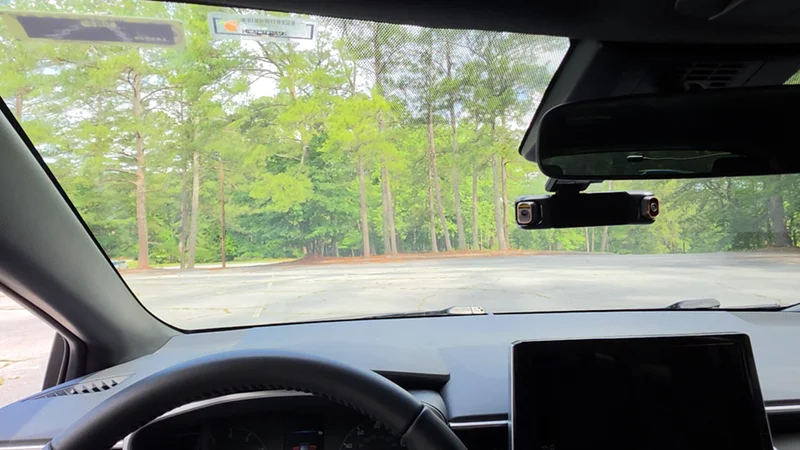
Before anything sticks to the windshield, you have to think about installation geometry. With both wing cameras attached, this system gets wide. If you mount it where you’d normally put a slim single-lens dash cam, just to the right of your rearview mirror, you’ll likely block or badly obstruct the field of view of one of the side cameras.
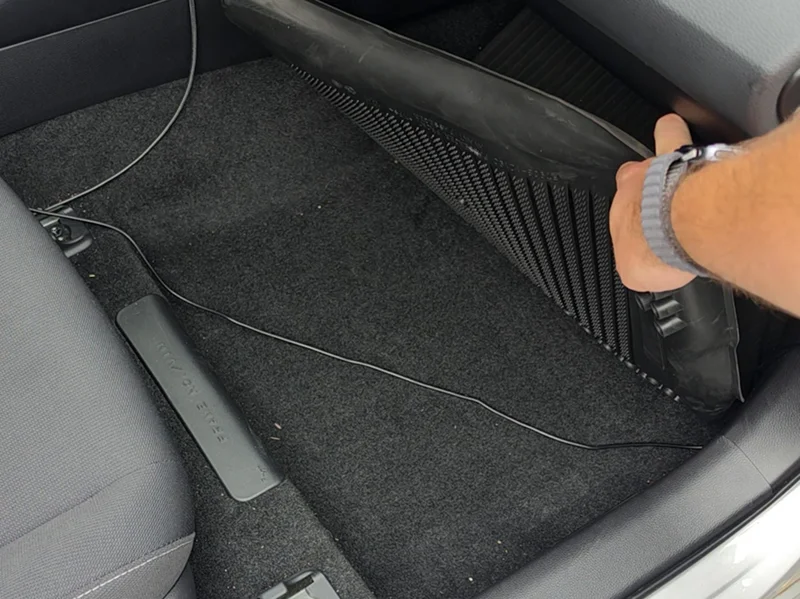
If I didn’t have a sizable shroud covering my sensor cluster, I’d have mounted it a bit higher — but center-high was really the only spot that kept every angle clear. From there, it’s the standard routine: prep the windshield for the static stickers, mount the camera, and route the power cable along the headliner and down the A-pillar. (If you want a full step-by-step on hiding wiring and pulling things like the glove box, I walked through all of it in my VIOFO A229 Plus install, plus a write-up here on the site.)
A couple of real-world snags worth flagging:
The power cable is short. It was barely long enough to reach the 12V outlet in my center console and I drive a small car. If you’ve got a larger vehicle and your only outlet is in the console, the included 11 ft (3.35 m) cable may not reach. Measure first. Several other dash cams I’ve used ship with at least a 15 ft (4.57 m) cable.
The rear camera cable exits the wrong way. I had to flip the rear camera to get the image right-side up, which left the power cable coming out the wrong side. So it has to wrap back around the camera before routing down. There’s no setting in the app to correct the image orientation either just another small oversight.
Afterward, I added a few cable clips to tidy up the routing, since the cables didn’t want to stay tucked in the headliner. They were a couple of bucks and worked great (linked at the bottom of this post).
First Startup
With everything mounted, the only real downside is the sightline. Because every camera needs a clear line of sight, the unit sits fairly prominently, and I have a feeling I’ll be peeking around it on tight bends and corners to get full visibility.
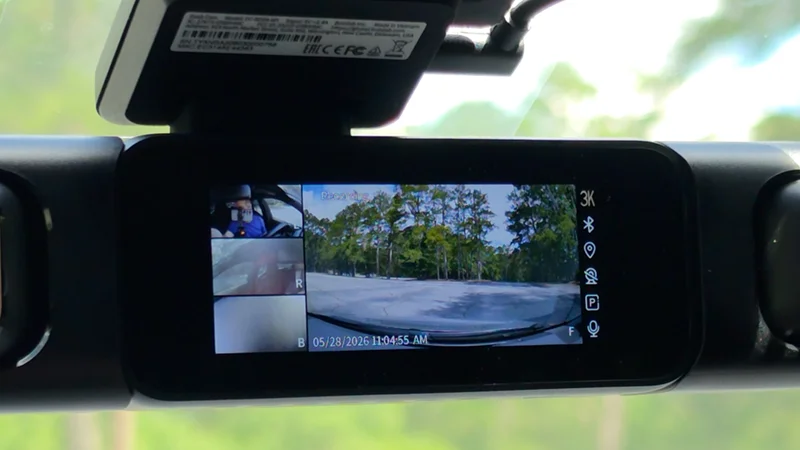
On the plus side, the 3.18-inch display supports a native 4-way split-screen view. If you’re ever in an accident or dealing with a roadside incident, you can review all four angles simultaneously without digging through submenus. After a while, the split screen gives way to a screensaver showing the time and date — and it still indicates that everything’s recording, which is reassuring to have at a glance.
Footage Review
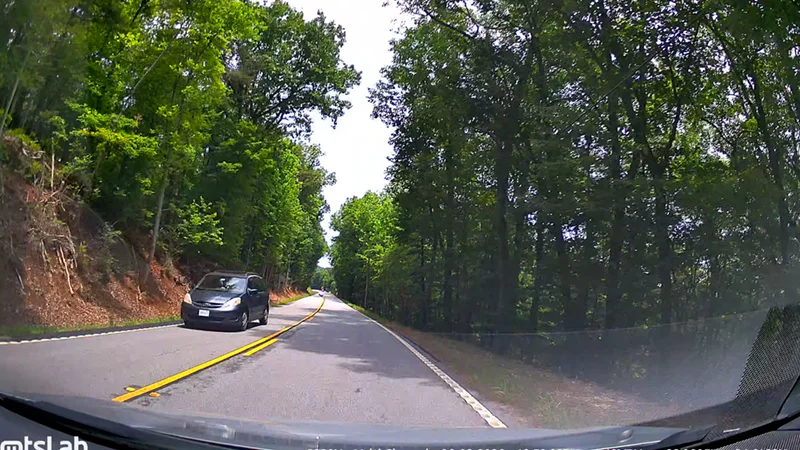
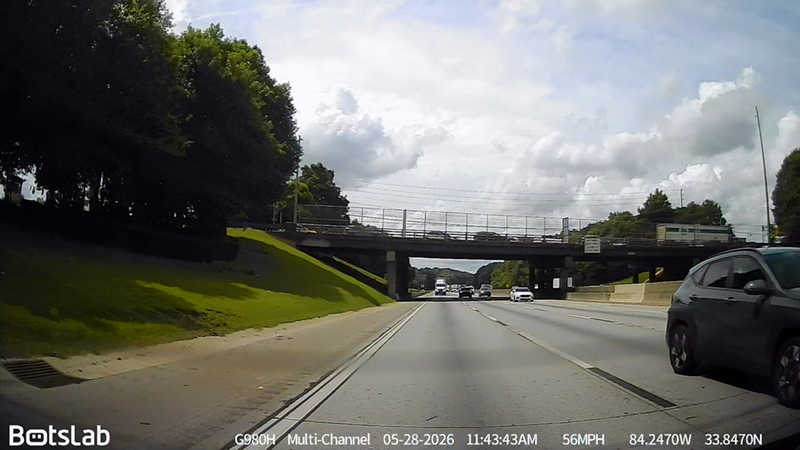
My first drive was around a favorite park near Atlanta, and first impressions were good. The footage is sharp, with solid dynamic range I wouldn’t call it true HDR, but I can see into the shadows and the highlights aren’t blown out. License plate readability on passing cars is decent. Not great, but decent.
To be fair, that was close to a best-case scenario: slightly overcast skies meant minimal lens flare. There’s some visible processing, especially on power lines and foliage, but it’s nowhere near as crunchy as I’ve seen on cheaper cameras.
On a sunnier drive into the North Georgia mountains, moving in and out of shadow was tougher, and reflections from the dash showed up in the footage. A CPL filter would help here, though given how this lens is built, I’m not sure you could adapt one to it.
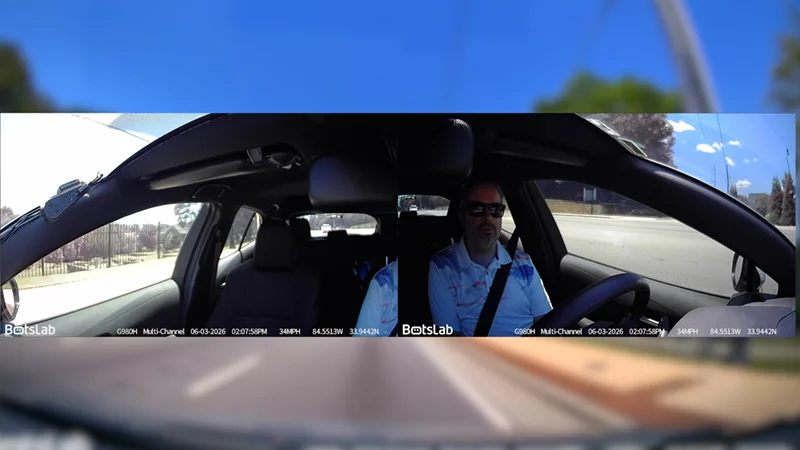
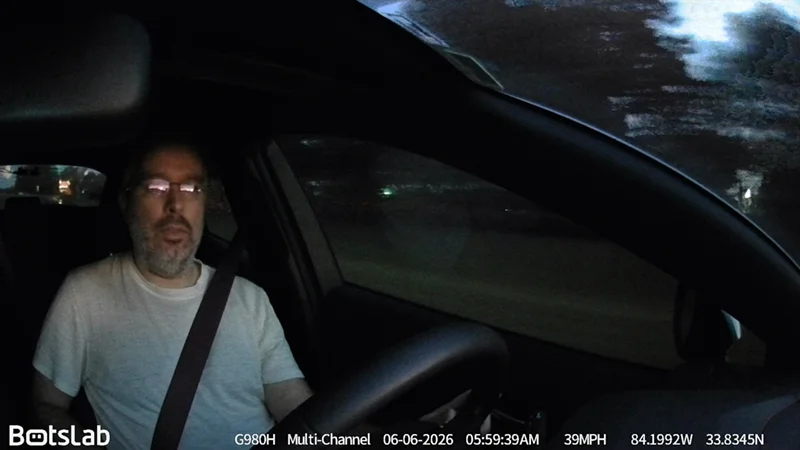
The wing cameras are a step down in image quality from the marketing shots, but they’re serviceable and the angles are the real win. Covering both sides and the rear means that if a car or a person comes up alongside you, you’ll see them. (My window tint makes the cabin dark, so the interior IR view comes out a little purple, but you can still make me out clearly.)
One thing stood out once I pulled the files onto my computer: every camera records at just 25 FPS, with no other option. That’s not a big deal on the front or wing cameras, but it’s noticeably choppier on the rear camera almost like it’s running below 25 FPS. It’s still usable, and a rear camera beats no rear camera, but at this price it’s a little disappointing. The rear sensor is very likely an off-the-shelf bin part rather than anything bespoke.
Night Performance
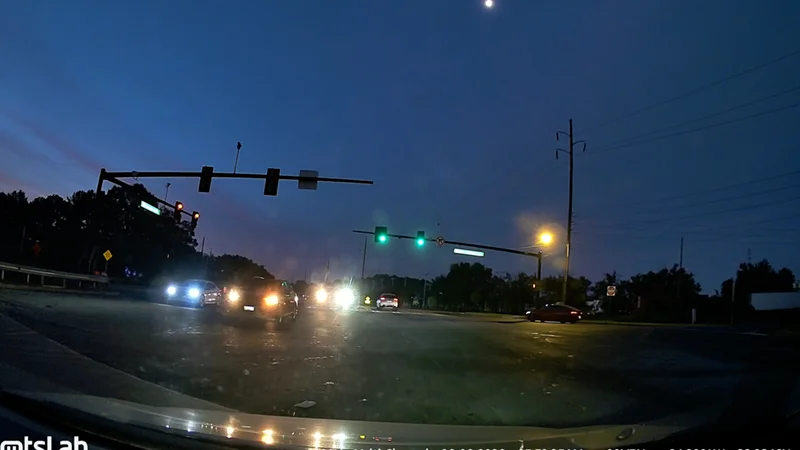
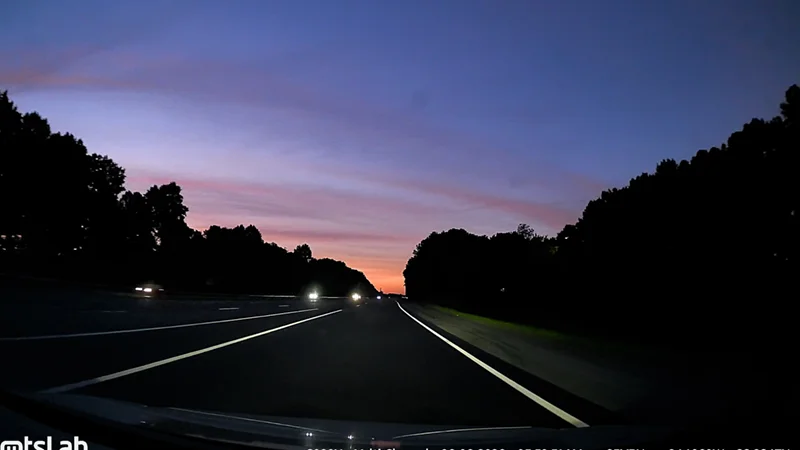
Where most dash cams struggle is at night, and the G980H is no exception. The main camera holds up reasonably well — on an early-morning drive, the sky popped nicely (it was basically the only light source besides my headlights), and minimal processing kept the frames clean. There’s some motion blur in the darkest areas, but you can’t ask for much where there’s no light to work with.
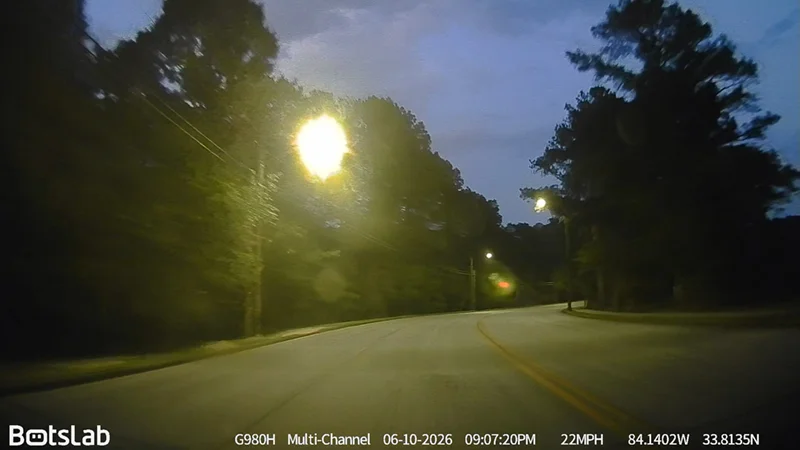
The wing and rear cameras are a different story. With so little light, these small sensors don’t have much to work with. The interior IR still shows me clearly, but anything moving outside the car becomes a messy blur — if someone approached the side of the vehicle at night, you might not make them out without an interior light on.
The rear camera is the weakest link in the dark. Even at low speeds there’s heavy motion blur, and passing under a streetlamp blows the frame out completely. If there’s a car behind you, its headlights wash out the image, and that lower frame rate makes it worse. It really is the afterthought of this system — and because of that proprietary connector, you can’t swap it for something better.
License Plate Readability Test
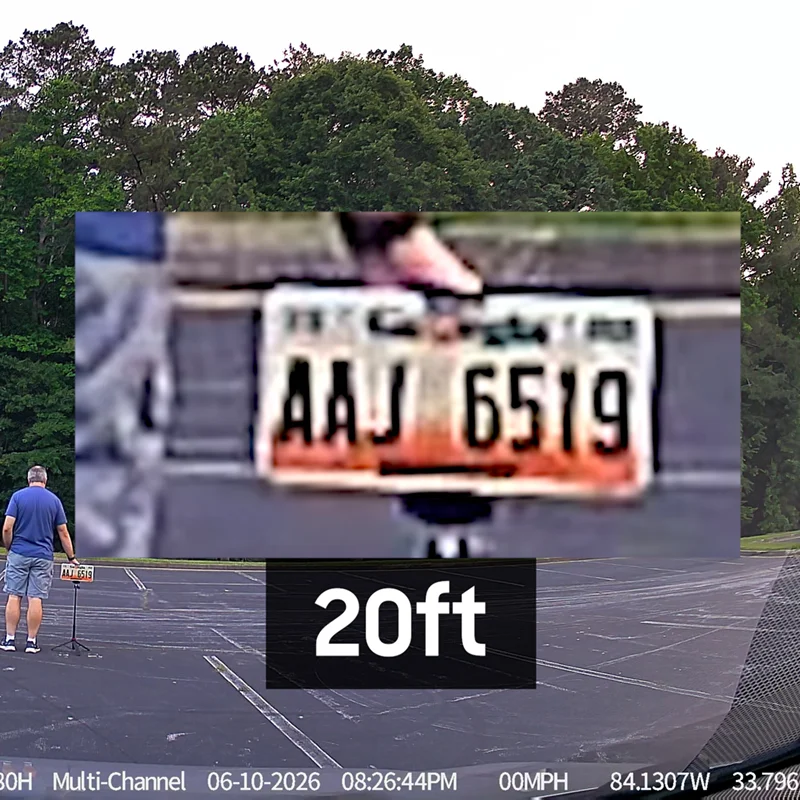
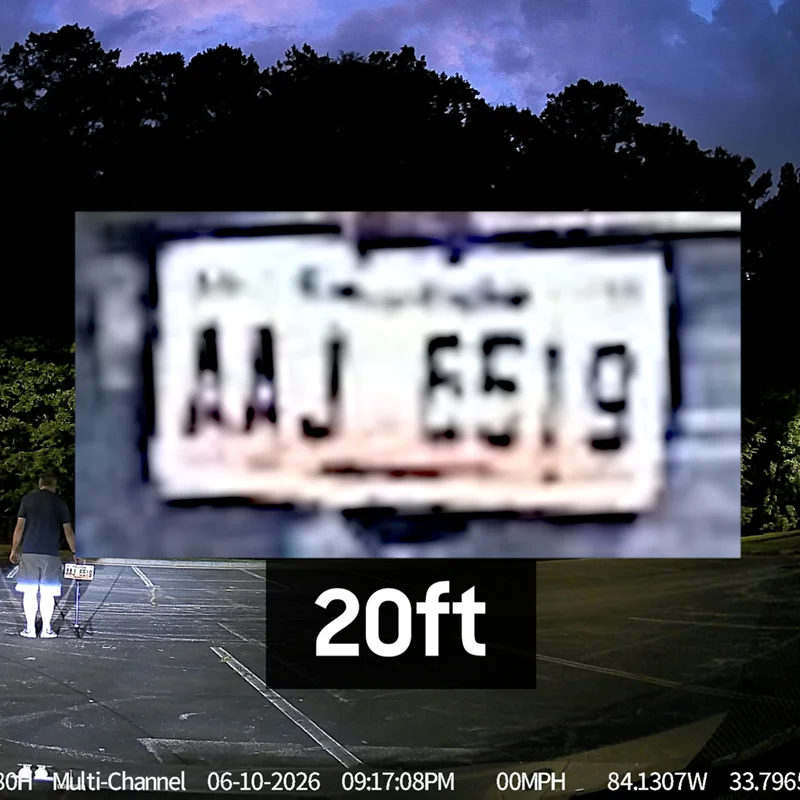
For my standard test, I set a plate on a stand and moved it back from the camera in roughly 5-foot increments until the characters became unreadable.
Daytime: It looks great at 5, 10, and 15 feet. At 20 feet it loses a little detail but stays legible. By 25 feet you can pick out some characters but not cleanly, and at 30 feet, if you don’t already know the plate, you won’t read it.
Night: Better than I expected — still legible at 15 and even 20 feet, with 25 almost there. The honest caveat: this is about as ideal as conditions get. The plate isn’t moving, there’s no traffic, and no other headlights are washing it out. On the real road it won’t be this clean. Even so, this is a stronger nighttime performer than a lot of dash cams I’ve tested.
Bottom line on footage: During the day, everything’s perfectly usable. At night, the main camera carries the system. Either way, you’re getting wide coverage most other dash cams can’t touch.
The App
On the wireless side, the G980H has a 5.8GHz Wi-Fi chip, which should mean faster transfers to your phone than the usual 2.4GHz.
The app experience starts on a sour note: you need a Botslab account just to connect to your own camera. I made one and moved on. After that, setup is painless — scan the camera’s QR code, and it detects the unit, adds it to your account, and drops you into the dashboard. The first thing I changed was the recording clip length; I’m not sure why one minute is the default on so many dash cams, but I bumped it to five.
Digging through the rest, it’s a feature-rich app that feels genuinely modern. There’s an ad on the first screen, but thankfully none elsewhere. Footage review includes a tidy interface with a corner map and telemetry, and you can download any clip to your phone. In terms of overall UX and sheer number of options, this is one of the better apps I’ve used from a dash cam maker.
My one wish: a dedicated screensaver brightness setting. During the day it’s fine, but at night the screensaver is quite bright. You can lower the overall brightness, but that dims the live camera views too, which isn’t ideal. Without a separate control, I’ll probably just turn the screensaver off.
Should You Buy the Botslab G980H?
If you want a dash cam that covers a full 360 degrees of your car’s interior and exterior, the Botslab G980H is a great choice — especially for rideshare drivers, anyone who parks on the street, or anyone who’s simply tired of having no idea what’s happening beside their car. Just go in clear-eyed about its two real limitations: night footage from the secondary cameras is weak (true of most dash cams in this class), and the included power cable is on the short side.
Looking ahead, I’m curious how the next generation of sensors — like Sony’s STARVIS 3 — will perform once they reach dash cams. That’ll show up in higher-end units first, but it should eventually trickle down to more affordable options like this one.
If the all-around coverage is what you’re after, the G980H delivers it better than almost anything at its price.