Watch the overview video or keep reading the full article below
First Impressions and Positioning
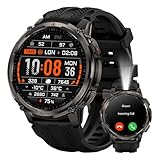
Physically, this thing is big, bold, and unapologetic. The round face is larger than most mainstream smartwatches, the bezel stands out, and it absolutely looks like something built for abuse.
That lines up with who this watch is really designed for:
- Outdoor workers
- DIY and construction
- Mechanics
- People who care more about durability than polish.
And at a launch price of $159.99, it’s clearly going after value.
Build Quality & Hardware
Hardware-wise, this is honestly where the Tank T4C shines.
- Stainless steel bezel
- Zinc alloy body
- Gorilla Glass up top
- 5 atmospheres of water resistance plus
- IP69K dust and pressure sealing
This thing is tested to U.S. military durability standards, and it feels like it.
The AMOLED display is bright, easy to read outdoors, and tops out around 1,000 nits, which makes a big difference on hikes and job sites.
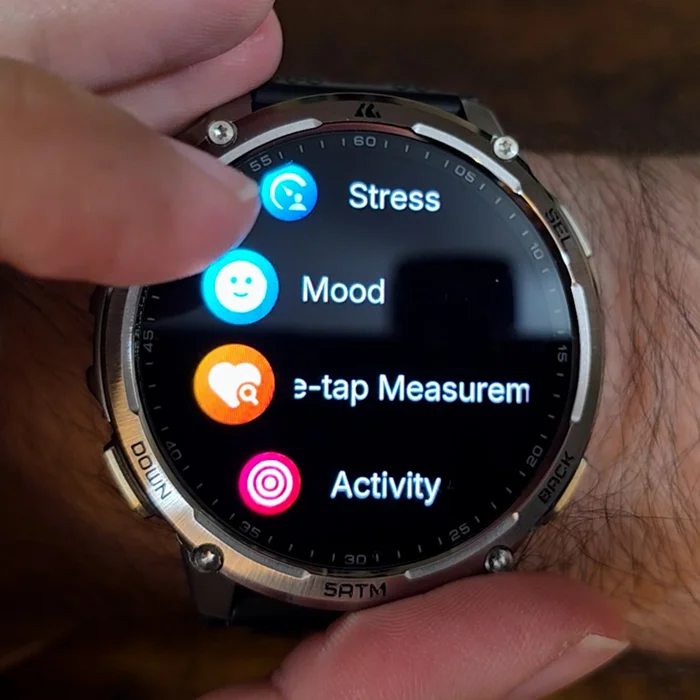
The UI is surprisingly smooth. Menu navigation feels buttery and responsive.
Straps & Comfort
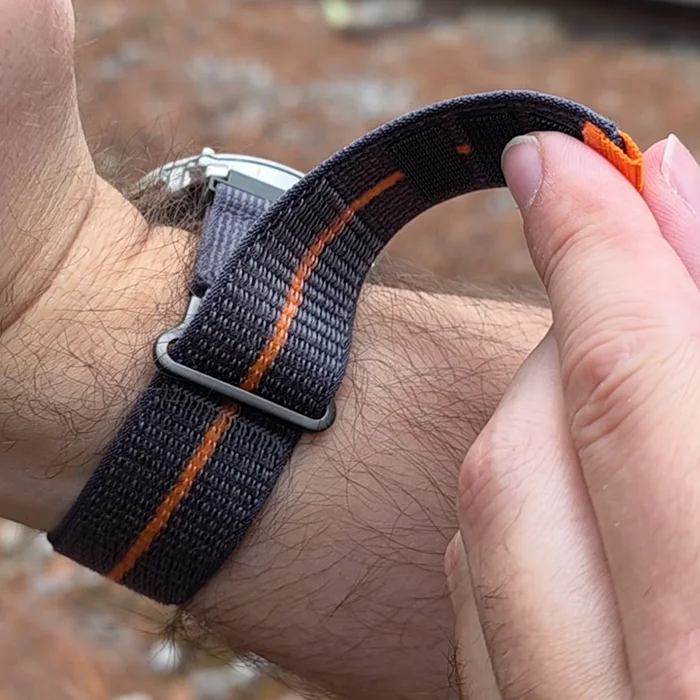
I also picked up their Velcro strap, and honestly, I love it. It’s easier to put on, more comfortable on long hikes, and doesn’t have a bulky buckle digging into your wrist during the day. My fellow south paws will understand.
Just know you’ll want to wash it occasionally after workouts
Led Flashlight – Actually Useful
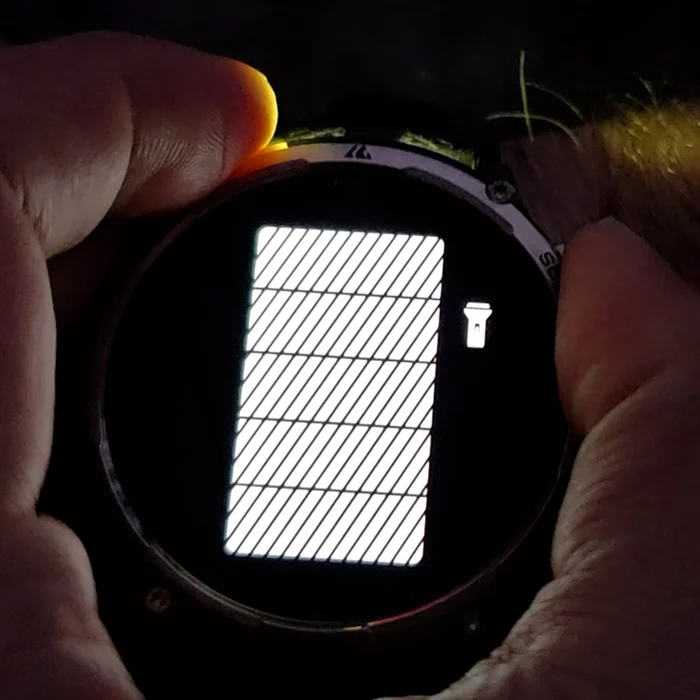
One of the standout features here is the built-in LED flashlight.
It’s not a gimmick. You get five brightness levels, and in dark environments, it’s extremely useful.
For quick repairs, checking gear, or reading a park map at night, this is one of those features you don’t realize you want… until you use it.
Battery Life – Real-World Results
One place where the Tank T4C surprised me most was the battery life. I charged it to 100% and didn’t plug it back in again until it hit around 20%… twelve days later.
During that time, it was:
- tracking sleep every night
- recording multiple workouts
- handling notifications
- and being used as an actual daily watch.
That’s honestly impressive. Especially when you compare it to more expensive smartwatches, where daily charging is just part of the routine.
So if battery anxiety is something you’re tired of dealing with, this watch absolutely earns points here.
Charging – A Small But Real Tradeoff
That great battery life does come with one small caveat, and that’s the charging setup.
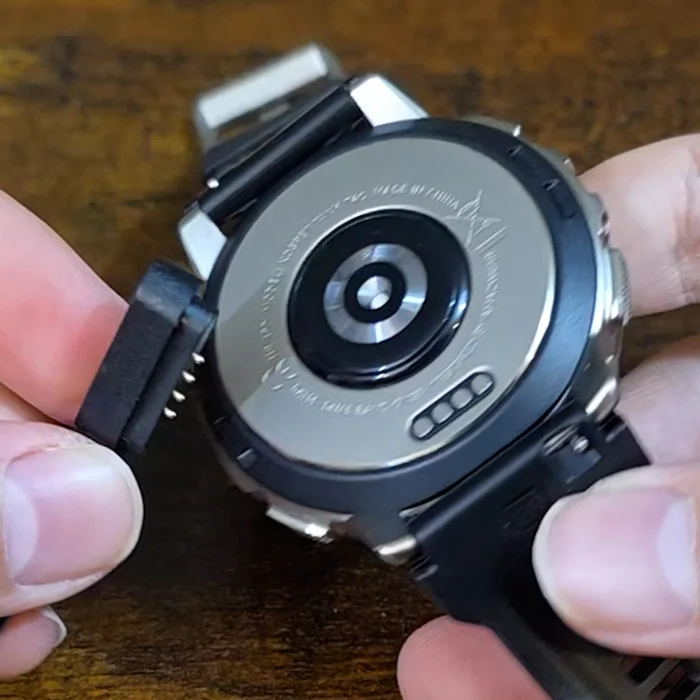
The charger uses a magnetic connection with exposed pins, and while it does snap into place, the actual physical contact area is pretty small.
So if the watch or cable gets jostled even a bit, the connector can shift out of position, and charging stops. It’s not a deal-breaker, but compared to fully wireless magnetic pucks, you do need to be a little more careful about how you set it down and leave it alone while charging.
Workout & Fitness Experience
This is where my experience starts to diverge a bit from the hardware.
Once you start a workout, the watch locks you into that mode.
You can’t:
- pull down quick settings
- check battery life
- access the flashlight
- check temperature or notifications.
For casual training, that may be fine. But for night hikes or long outdoor sessions, it feels limiting.
Apexmore App
Before I get into metrics and tracking, it’s worth mentioning that all of this data pairs through the Apexmove App.
That’s the companion app where workouts, steps, sleep, and health data get synced, reviewed, and broken down over time.
Metrics & Data – Design Choices That Raise Questions
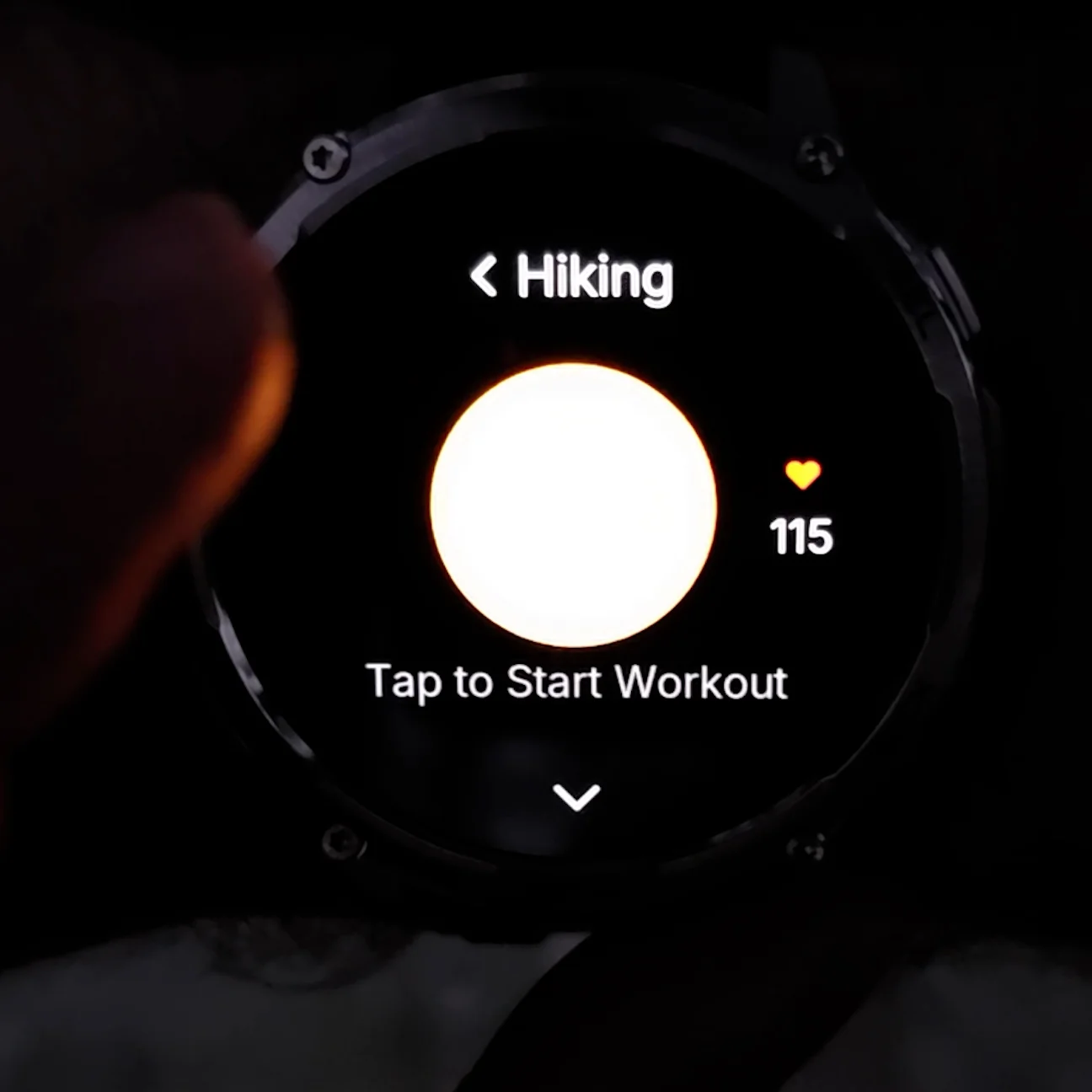
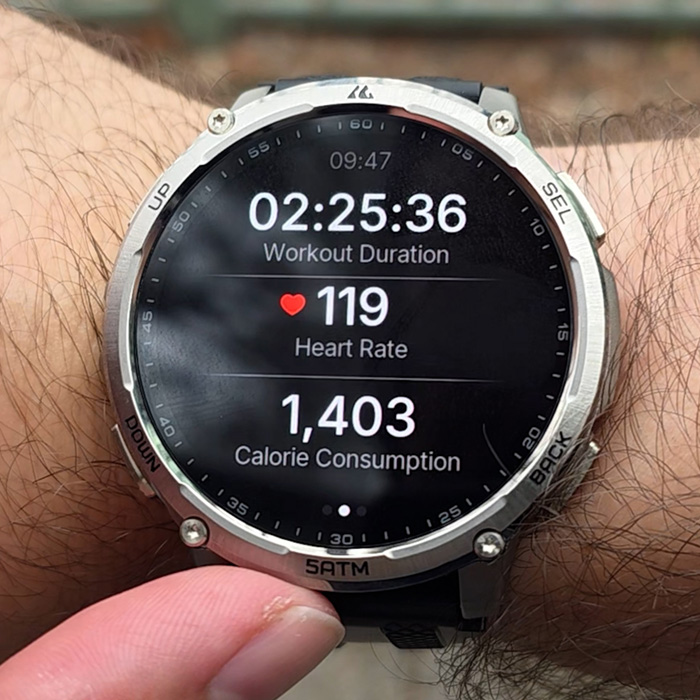
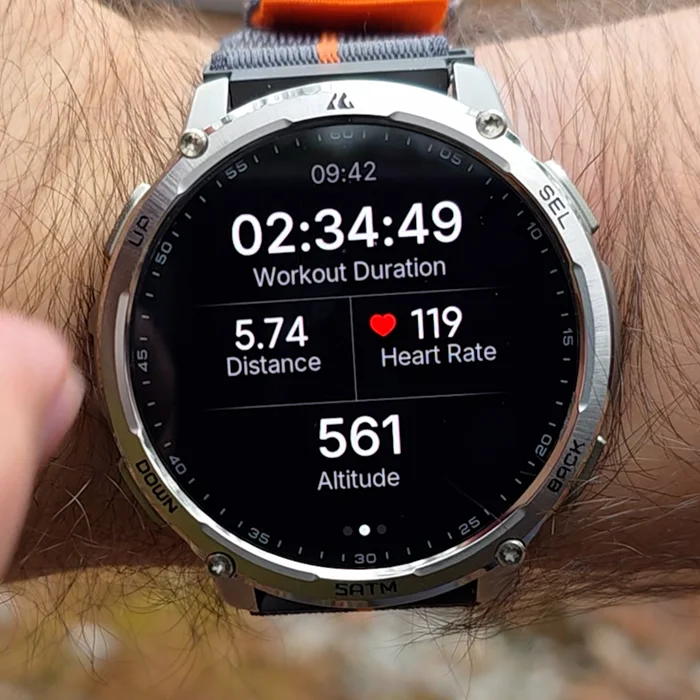
One issue I ran into with workout tracking has to do with which metrics are actually recorded during certain activities. When using the hiking workout mode, the watch only records heart rate and calories.
That immediately stood out to me, because for most people, hiking is exactly where steps, distance, and elevation matter the most.
By comparison, workout modes like outdoor walking and mountaineering do record steps, distance, along with calories.
After noticing this, I followed up with KOSPET directly. They confirmed this behavior is intentional, and part of how the current software structure is designed.
So the workaround for now is to use the mountaineering or outdoor walking modes if you want full step and distance tracking during a hike. KOSPET has said they’ve shared my feedback with their technical team and are working on improvements, but as the software stands today, it’s something you should know before getting into it.
Daily Step Tracking – A Much Bigger Software Problem
There’s one more software behavior I want to call out, because this one feels more serious than just which metrics show up during a workout. After completing certain workouts, the steps recorded during that session are not added to the overall daily step count.
That means:
- your daily step total
- your weekly averages
- and your monthly trends
can all be artificially low, even though you were clearly active.
I brought this up to KOSPET, and they confirmed that only specific workout modes currently sync steps, distance, and calories back into the daily activity summary.
Those modes are listed below
- outdoor running
- outdoor walking
- track run
- mountaineering
- treadmill
- indoor walking
- indoor running
If you use any workout mode outside of this list, the activity still records but the steps don’t fully roll up into your daily totals.
And honestly, that feels like a really strange software decision. This doesn’t just affect one day’s screen. It throws off your long-term averages, trends, and any data you’re using to track consistency over time.
This is another piece of feedback KOSPET took to hopefully implement in the future. For now though, it’s something you absolutely need to be aware of if daily and monthly activity tracking matters to you. Make sure to choose the right mode from the list even if it’s not a 100% match to what you’re doing.
Final Thoughts
So here’s my honest takeaway.
From a hardware perspective, KOSPET absolutely nailed this. The build quality, the flashlight, the display, the durability, and especially the battery life this watch feels ready for real-world abuse right out of the box.
Where the Tank T4C stumbles is on the software side. A lot of the biggest frustrations I ran into aren’t hardware limitations they’re design and software choices.
And that’s actually an important distinction, because software is something that can improve over time through updates.
As the watch stands today, you just need to understand those tradeoffs and choose your workout modes carefully. If KOSPET tightens up the software experience, the hardware foundation here is already solid.